
WATCHMARK® Smartwatch & Health Technology Blog — Insights & Articles
Wearable Health Technology
SMART WELLNESS
Heart Rate · ECG · Blood Pressure · Fitness Tips
How to Choose a Bluetooth Calling Smartwatch in 2026
Table of Contents
- Set Calling Priorities and Confirm Bluetooth SIG HFP Support
- Compare Bluetooth BR/EDR Rates: EDR Peaks at 3 Mb/s
- Test Call Audio: Microphone Pickup, Speaker Clarity, and Noise Rejection
- Compare Manufacturer-Rated Talk Time and Charging Performance
- Check Phone Compatibility and IEC 60529 IP67: 1 m for 30 Minutes
- FAQS
- Conclusion
- Related Posts
Choosing a Bluetooth Calling Smartwatch in 2026 means looking beyond the microphone icon on a product page. A watch may support calls yet still sound muffled beside a busy road. Battery life, phone compatibility, speaker clarity, and comfort all shape daily use.
IDC’s Worldwide Quarterly Wearable Device Tracker reported 534.6 million wearable-device shipments in 2024, up 6.1% year over year. That figure covers more than smartwatches, so it should not be read as smartwatch sales alone. Still, it shows how crowded the wider wearables market has become. Bluetooth SIG CEO Mark Powell has emphasized Bluetooth’s role as an interoperable wireless standard. Applied to watch shopping, the practical lesson is simple: check that the watch works well with your particular phone, not just that both list Bluetooth. Exact performance varies.
Small detail. Big difference.
This guide will compare call quality, connection stability, battery drain during calls, health features, display readability, and software support. Look for real-use evidence: Can you hear a caller over traffic? Does the watch reconnect after you leave your phone on a desk? Can you answer a call without pressing through several menus? Manufacturer claims can help, but they do not replace independent testing or careful reviews. A polished feature list can still hide a frustrating experience. That is worth admitting.
The best choice is not necessarily the most expensive model. It is the one that fits your phone, routine, wrist, and expectations—and handles ordinary calls reliably.
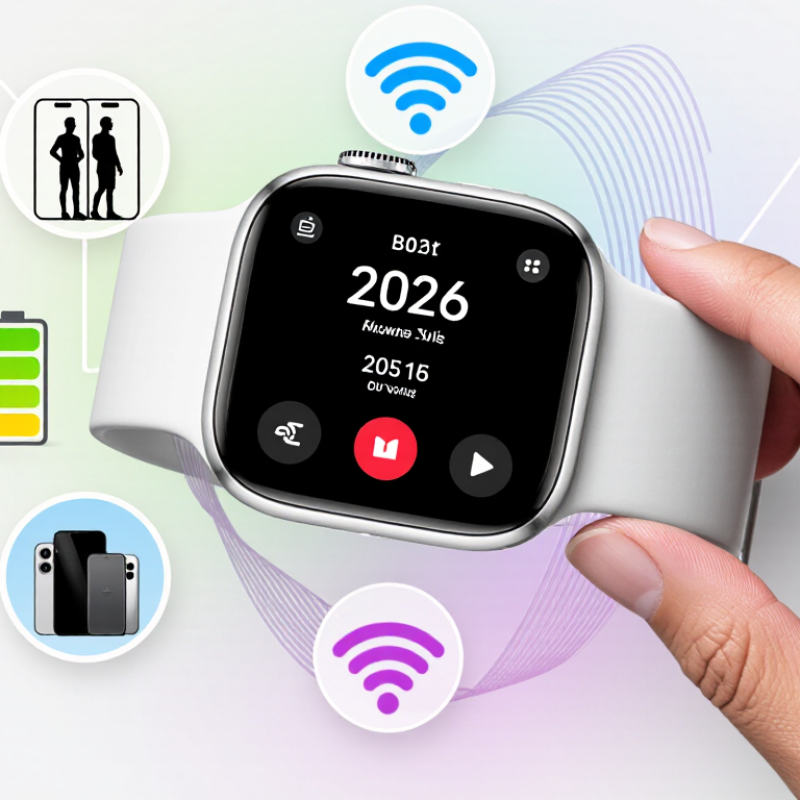
Set Calling Priorities and Confirm Bluetooth SIG HFP Support
Before comparing screens or battery life, decide what “calling” means for you. Do you need to answer while carrying groceries, make quick calls outdoors, or hear callers clearly in a quiet office? A watch speaker can help when your phone is nearby, but it may sound thin in traffic. Be honest about that limitation.
Check the specifications or user manual for Bluetooth SIG Hands-Free Profile support, usually written as HFP. A Bluetooth version number alone does not confirm calling support. HFP enables hands-free call audio and related controls between compatible devices. Confirm that the watch supports calls from your phone, not only call notifications. Small wording differences matter. Also check whether its microphone and speaker work together during a call, and whether setup requires an app or phone permission.
Test the connection before relying on it. Pair the watch, place a call, then walk several steps away from your phone. Listen for dropouts, delay, and muffled speech. Try a quiet room first. Then test somewhere noisier, if possible. Results can vary with phone settings, fit, and surroundings, so one successful call is not a guarantee. I would also check whether calls remain usable when music or another Bluetooth device is connected; product details can be vague here.
Compare Bluetooth BR/EDR Rates: EDR Peaks at 3 Mb/s
For a calling smartwatch, the “3 Mb/s” figure needs context. The Bluetooth SIG Core Specification lists a basic rate of 1 Mb/s and EDR rates of 2 or 3 Mb/s. These are gross radio-link rates, not guaranteed speeds for user data. That distinction matters. Protocol overhead, retransmissions, and interference reduce usable throughput.
Voice calls usually need far less bandwidth than the EDR peak. A high link-rate number alone cannot promise clear speech. Microphone placement, the negotiated audio codec, antenna design, and nearby wireless traffic all affect what you hear. In a shop, compare call clarity in a noisy space, not just the specification sheet. Listen for clipped words and delay. Small details matter.
When comparing watches, check that the model supports Bluetooth calling with your phone, then look for clear information about its audio profile and microphone setup. The Bluetooth SIG’s specification documents the rates; it does not certify that every watch will deliver the same call experience. A useful question for product testing is whether a short call stays understandable with the watch held naturally at arm’s length. I would not treat 3 Mb/s as a quality score. It is a ceiling, and real-world performance can be less tidy.
Test Call Audio: Microphone Pickup, Speaker Clarity, and Noise Rejection
A smartwatch can sound clear in a quiet room and struggle beside a busy road. Test calls where you expect to use them: indoors, outdoors, and near steady background noise.
Speak at your normal volume, then ask the other person whether your voice sounds distant, muffled, or clipped. Keep the watch in its usual position on your wrist. Moving it closer to your mouth can disguise weak microphone pickup.
Listen through the watch speaker, too. Ask the caller to read a short passage with soft consonants and numbers; these reveal muddy audio better than a simple “Can you hear me?” Check whether speech stays understandable at a comfortable volume, without rattling or sharp distortion.
A short pause helps. For noise rejection, compare a call in a quiet room with one near a fan or passing traffic. Notice whether your voice remains steady or the microphone cuts off syllables along with the noise.
Repeat the test with your wrist resting on a table, since posture can change how sound reaches the microphone. Results may vary with fit and surroundings, and one test is rarely enough.
I would note the weak moments, not just the clearest call.
Compare Manufacturer-Rated Talk Time and Charging Performance
When comparing Bluetooth calling smartwatches, start with the manufacturer-rated talk time, not the larger standby number. Talk time describes active calls under stated test conditions; standby usually assumes little interaction. Read the fine print. A rating may depend on screen brightness, signal strength, volume, and call routing. These details matter during a commute or a long walk, where weak reception can increase power use. Compare figures only when their test conditions are similar.
Check charging performance just as carefully. Battery capacity provides context, but it does not show how quickly a watch charges. Look for a stated time to reach full charge, and note whether testing began with an empty battery. If the listing says “quick top-up,” check how much calling time that actually restores. A 20-minute charge before leaving home sounds useful, but only if it fits your routine. Small differences add up.
For a fair comparison, consider call length, volume, phone distance, and connection quality. Prefer published test methods over broad claims such as “all-day power.” If figures are missing, treat that as uncertainty, not proof of poor performance. My own buying mistake would be trusting one impressive number; real use is messier. Think about whether calls are occasional or frequent, and leave some battery for alerts and notifications. Ratings are estimates, not promises.
Check Phone Compatibility and IEC 60529 IP67: 1 m for 30 Minutes
Before choosing a Bluetooth calling smartwatch, check the exact phone model, operating system version, and companion-app requirements. Bluetooth pairing alone does not guarantee calls will work. The watch and phone must support the calling profile, and some features depend on the app and system permissions. The Bluetooth SIG’s 2024 Market Update projects 5.4 billion Bluetooth device shipments in 2028, reflecting a broad ecosystem—not universal compatibility. Check the manufacturer’s compatibility list, then test a call with your phone nearby. A quick test matters.
Treat “IP67” as a specific test rating, not a promise that every water activity is safe. Under IEC 60529, the first digit indicates dust protection; the second indicates water-ingress protection. IP67 means a device passed a dust-tight test and a temporary immersion test at up to 1 metre for 30 minutes under specified laboratory conditions. It does not certify protection against hot water, soap, strong jets, or repeated immersion. I would not use the rating as a swimming guarantee. Seals can wear, and a watch may be damaged even when its rating sounds reassuring. Before buying, check the maker’s care instructions and warranty terms, especially if you plan to wear it in a shower or pool.
How to Choose a Bluetooth Calling Smartwatch in 2026
Check that the watch’s companion app supports your phone’s operating system and that Bluetooth calling works with your phone. For an IP67 rating, the first digit (6) means dust-tight; the second (7) means protection against temporary immersion in water, tested at 1 m for up to 30 minutes under IEC 60529.
The digits identify separate protection categories; they are not a general-purpose performance score. Check the watch maker’s instructions for water-use limitations.
FAQS
No. Check the specifications or manual for Bluetooth SIG Hands-Free Profile support, usually called HFP. A version number alone is not enough.
Check whether it supports call audio and controls from your phone. Confirm that its microphone and speaker work together during calls. Setup may require an app or phone permission.
Pair the watch and place a call. Walk several steps away from your phone, then listen for dropouts, delay, or muffled speech. Try a quiet room first.
Speak at your normal volume with the watch in its usual position. Ask the other person if your voice sounds distant, muffled, or clipped. Moving the watch closer can hide a weak microphone.
Ask the caller to read numbers and words with soft consonants. Compare calls in a quiet room and near a fan or passing traffic. Listen for missing syllables or distortion. A short pause helps.
Compare manufacturer-rated talk time, not just standby time. Check the test conditions, including volume, signal strength, and call routing. Ratings are estimates, not promises.
Look for the stated time to reach a full charge and whether testing began with an empty battery. If a listing mentions a quick top-up, check how much calling time it restores. Small differences add up.
No. Results can change with fit, surroundings, phone settings, and connection quality. Test with other Bluetooth devices connected, too, if possible. One good call is not a guarantee.
Conclusion
Choosing a Bluetooth Calling Smartwatch in 2026 starts with your priorities: decide how often you’ll take calls from your wrist and whether clear conversations matter more than extra features. Check that the watch supports the Bluetooth Hands-Free Profile (HFP), which enables call functions, and confirm that it works with your phone. Bluetooth BR/EDR specifications can list EDR peak data rates of up to 3 Mb/s, but that figure alone does not determine call quality.
Before buying, assess microphone pickup, speaker clarity, and how well the watch reduces background noise. Compare manufacturer-rated talk time, and consider charging speed and convenience alongside battery life. If you need water and dust protection, look for an IEC 60529 IP67 rating; this indicates protection under specified test conditions, including immersion in up to 1 meter of water for up to 30 minutes. Review the product’s own guidance, since real-world results can vary.

Blog Tags: